


The WebTag dashboard
The dashboard is where you run your site after launch. You change your hours, prices, services, text, hero image and contact details without calling a developer. Enquiries from your forms arrive in the same place. It comes with every site on the monthly plan, from $39 a month, can vary per site.
- Included in
- The monthly plan, from $39 a month, can vary per site
- You can edit
- Hours, prices, services, text, hero image, contact details
- Enquiries
- Every form lands in the dashboard
- Clients so far
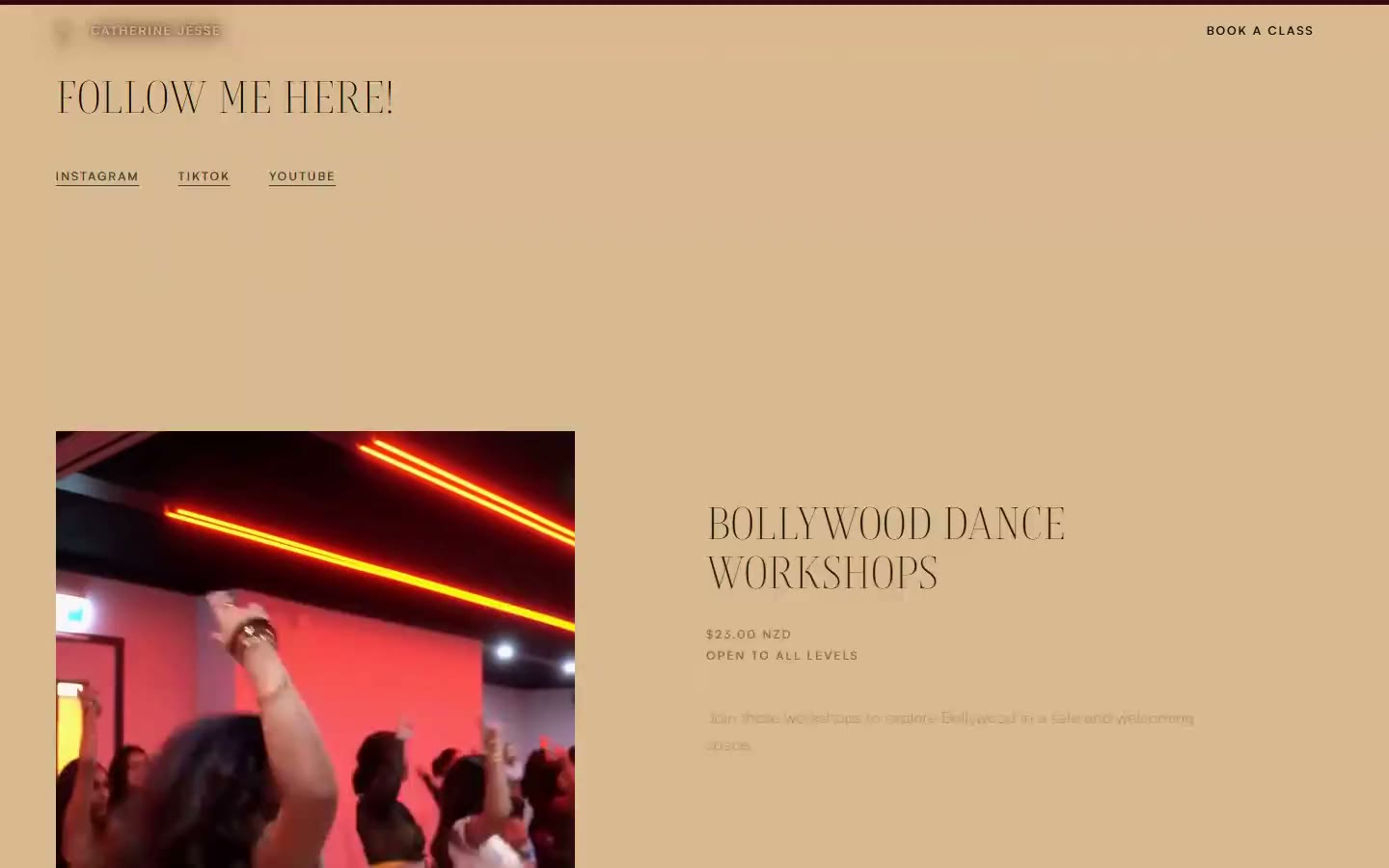
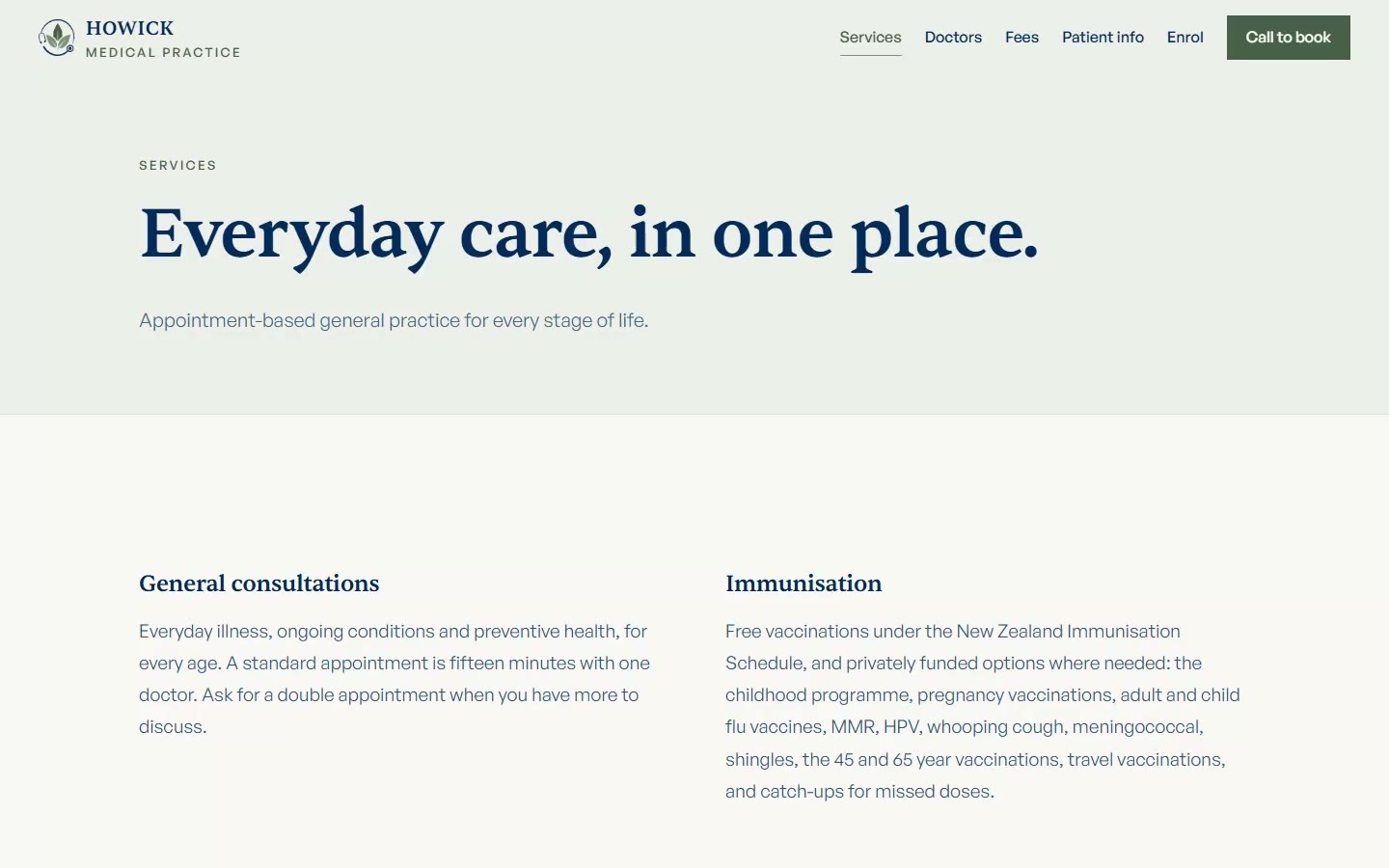
- Eden Roskill Cricket Club, Catherine Jesse, Howick Medical
Edit your site yourself
Everyday changes should take seconds. A public holiday means shorter hours. A supplier raises a price. A new service starts. In the dashboard you open the page, change the line and save. The site updates and keeps its layout.
You change the content, and the design stays as built. That is deliberate. It means you cannot break the layout by accident, and the site keeps looking like it did on launch day.
- Opening hours and contact details, once, shown wherever they appear.
- Prices, menus and service descriptions.
- Page text and headings.
- The hero image at the top of the home page.
- Photos and galleries.
Every enquiry in one place
When someone fills in a form on your site, you get an email and the enquiry is saved in the dashboard. Each one shows the name, phone, email and message, the page it came from, and the date and time. That tells you what the customer was looking at when they got in touch.
Spam protection runs on every form, so the list is real enquiries.
Follow each lead
Treat the list like a short pipeline. Each enquiry can be moved through New, Contacted, Booked, Won or Lost. You can see at a glance who still needs a call, and which jobs came from the site.
You can export the list to CSV for your own records, and you get an email for every new lead, so you do not need to keep checking.
What it looks like in use
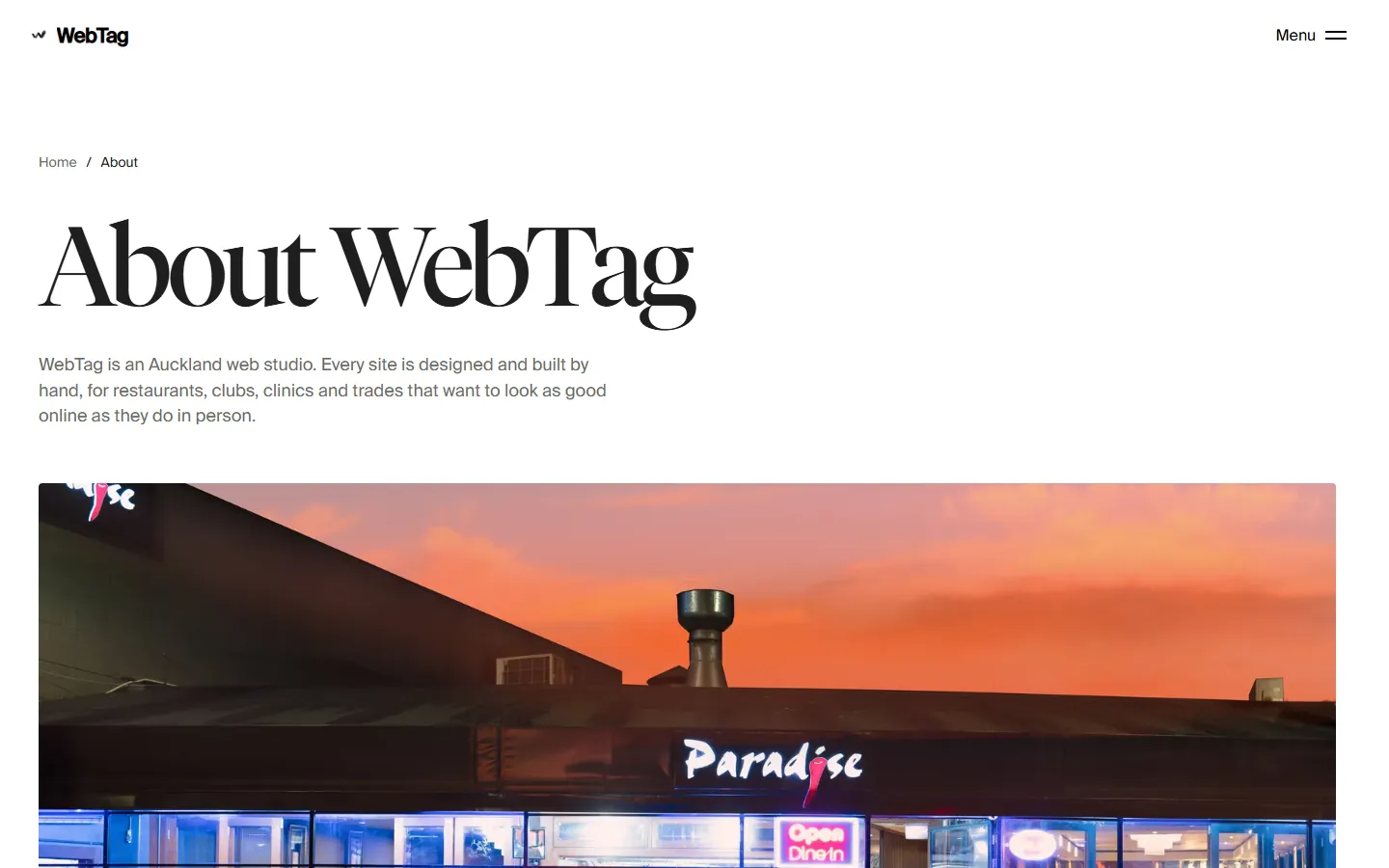
Eden Roskill Cricket Club's forms land in the club's dashboard, where the club edits the site itself. The same setup runs on sites for a medical practice, a cricket club, a venue and a dance teacher, so it works for very different businesses.
A typical week for an owner might be: change the opening hours for a long weekend, read two new enquiries, mark one Booked, and upload a photo of finished work.
Getting started
- 1
We build and set up
Your site is built with the dashboard wired in from the start, so every line you can edit is already marked.
- 2
We show you around
A short walkthrough of the things you will change most often.
- 3
You make your first edit
Change a line, save, and see it on the live site.
- 4
You get your first enquiry
A test form shows how an enquiry arrives and how to move it along.
- 5
Ask us when stuck
If something needs a developer, such as a new feature, we can quote it.
What it does not do
The dashboard is for content and enquiries, not for rebuilding the design. If you want a new section or a new feature, that is a request to us, and we can quote it. Our bespoke development page covers bigger additions.
Who in your team should have a login
Not everyone needs access. Most small businesses have one or two people who change content, and perhaps a manager who reads enquiries. Decide who they are before launch, and we set them up. A person who edits prices should be someone who knows what the prices are.
If a staff member leaves, ask us to remove their access. It takes a minute and keeps your site safe.
Keeping it tidy over time
A dashboard is easy to leave alone. Set a reminder every few months to read your own site as a customer would. Are the hours right? Is the price list current? Is there a photo that no longer matches the place? Five minutes of checking stops small errors piling up.
If a page needs more than a text change, such as a new layout, send us a note. We would rather you ask than work around it.
Sites run from the dashboard

Questions
What does the dashboard cost?
It is part of the monthly plan, from $39 a month, can vary per site, which also covers hosting, security and backups.
Can I break my site by editing it?
You edit content, not the layout, so the design stays as built.
How do I know when someone enquires?
You get an email for every new lead, and it appears in the dashboard.
Can I export my enquiries?
Yes, to CSV.
Do I need training?
We give you a short walkthrough. Most people find the everyday edits quick to learn.