


Email marketing
Email marketing means sending messages to people who agreed to hear from you: a welcome note, a monthly update, a reminder, an offer. Done well, it is the cheapest way to bring past customers back. It depends on one thing you must get right first, which is permission.
- Price
- Ask for a quote
- Sending tool
- Costs depend on list size, paid to the provider
- First step
- A free demo of your site
- Clients so far
- None yet. This page sets out how we would do it.
What email marketing is for
A website waits for people to come to it. An email goes to them. That makes it useful for anything repeat or seasonal: a cafe announcing a new menu, a clinic reminding patients about check-ups, a club sending fixtures, a shop telling regulars about new stock.
It is also a place you own. A social platform can change how many people see your post. Your list stays yours, which is why we treat it as a base for the other digital marketing work.
Permission comes first
In New Zealand, the Unsolicited Electronic Messages Act 2007 sets out rules for commercial email. In short: the person must have agreed to receive it, the message must say who sent it, and every email must have a working way to unsubscribe. Unsubscribe requests must be honoured.
This is general information, not legal advice. If you are unsure about a particular list, check with a lawyer or the Department of Internal Affairs, which enforces the Act.
In practice, that means we do not buy lists, scrape addresses or import a list nobody agreed to join. We help you collect sign-ups the right way, with a clear note on what people will receive.
What we can set up
- A sign-up form on your site, with a short line saying what people get and how often.
- A welcome email that goes out automatically when someone joins.
- A simple template in your colours, readable on a phone, with your logo and a clear button.
- A monthly or fortnightly newsletter, planned a few issues ahead.
- Automated reminders for things that repeat, such as a renewal or a seasonal service.
- Links tagged so your site can record which email brought a visit.
Getting started
- 1
Choose the tool
We use whatever suits the size of your list. Mailchimp, Brevo and similar tools have free or low-cost tiers for small lists. The account is in your name.
- 2
Add the sign-up
A form goes on the home page, the footer and any page where people ask questions. For a club or a shop, the checkout or the membership form can include a tick box.
- 3
Write the welcome email
One short note. Who you are, what to expect and one useful thing, such as opening hours, a menu or a guide.
- 4
Send the first newsletter
Keep it to one main message and one button. Short beats long.
- 5
Review what happened
Look at who opened and clicked, and adjust. Opens are a rough guide only, because mail apps can distort them. Clicks and replies tell you more.
What to put in an email
Think of what you would tell a regular if they walked in. A new product or menu item. A date change. A seasonal reminder. A short story from the business. A useful tip from your trade.
Subject lines should say what is inside, in plain words. Leave out capital-letter shouting and promises you cannot keep.
What you need to provide
- Your existing customer contacts, only where they agreed to hear from you.
- A name and reply address that a real person reads.
- Your physical or postal address, which commercial email normally includes.
- Someone who can send two or three lines of news each month.
Common mistakes
- Emailing everyone who ever bought from you, without asking.
- Sending only when you need money.
- A "no-reply" address, which discourages the replies you want.
- Images with no text, so the email looks blank when images are blocked.
- No unsubscribe link, or one that does not work.
Where it fits with your website
Emails need somewhere to send people. A link to a clear, current page is what turns an open into an enquiry. On a WebTag site you edit your own pages from the dashboard, so a campaign page can be live the same day you write the email.
No client work to show yet
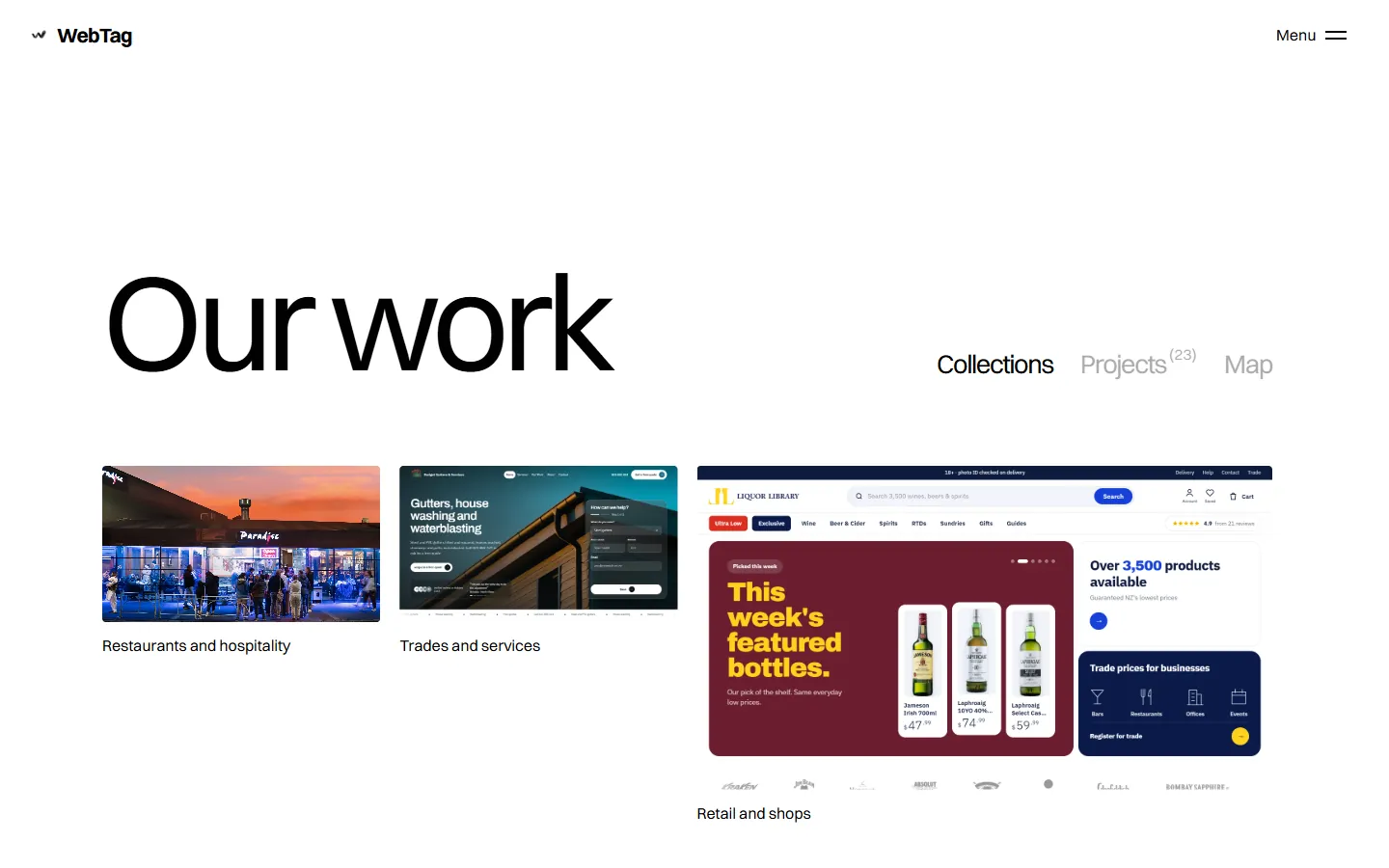
We have not run Email marketing for a client yet, so there is no project on this page. Everything above is how we would do it, and we will say so plainly until that changes.
What we have delivered is websites. See the sites we have built.
Questions
Can I email my old customer list?
Only people who agreed to receive commercial email from you, or whose consent can reasonably be inferred from an existing relationship, and every message must include an unsubscribe option. Check with a lawyer if unsure.
How often should I send?
As often as you have something worth reading. For many small businesses that is monthly. Consistent is better than frequent.
Which email tool do you recommend?
It depends on list size and what you need to automate. We will compare two or three options for your case and set the account up in your name.
Do you write the emails?
We can. You send us the news in your own words and we shape it. We would not invent facts about your business.
What does it cost?
Ask for a quote. The sending tool is billed by the provider and depends on how many people are on your list.